
AOMEI Backupper is a comprehensive backup and recovery software for Windows, offering backup, sync, and cloning features to protect operating systems, applications, and personal data. It supports Windows client systems from Windows 7 to Windows 11, as well as server editions like Windows Server 2025.
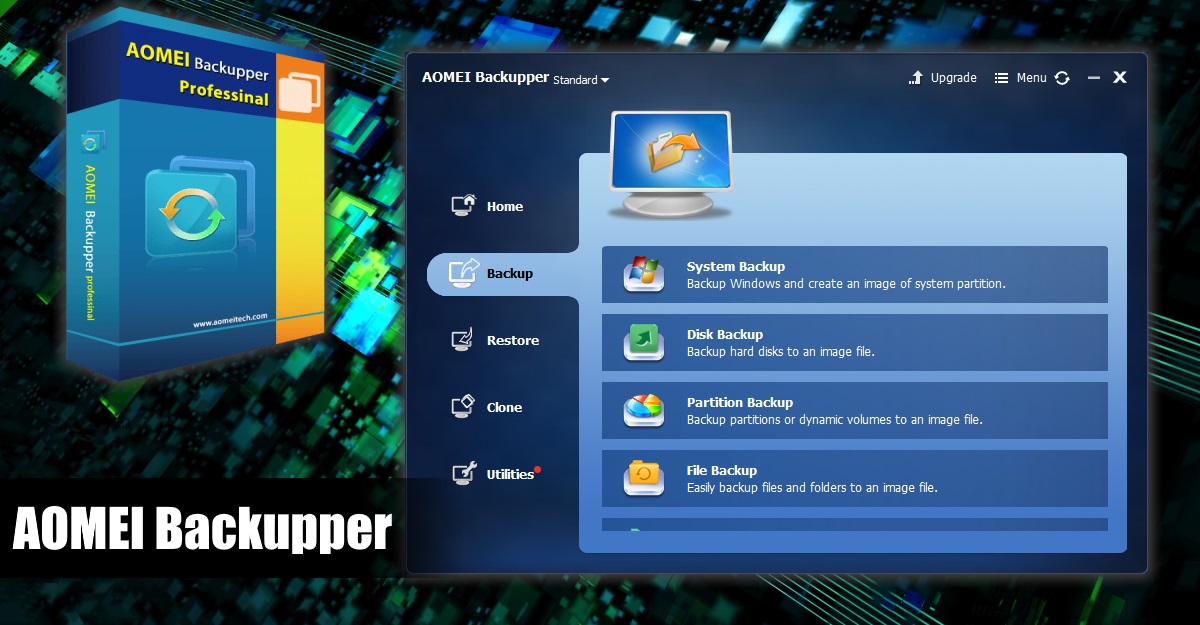
Core Features
1. Backup
| Backup Type | Description |
|---|---|
| System Backup | Backs up the entire system drive, including OS, applications, and settings. |
| Disk Backup | Backs up an entire hard disk or dynamic disk. |
| Partition Backup | Backs up selected partitions or volumes. |
| File Backup | Backs up selected files and folders. |
| Email Backup | Backs up Outlook emails, contacts, calendars, etc. |
| Cloud Backup | Backs up to cloud storage such as Dropbox, Google Drive, OneDrive, etc. |
2. Advanced Backup Features
- Scheduled Backup: Supports daily, weekly, monthly, event-triggered, and USB plug-in backups. Executed as incremental backup by default to save time and space.
- Backup Scheme: Automatically cleans up old backup images to save storage space.
- Backup Management: Provides edit, explore image (mount as virtual disk), check integrity, merge backup images, and other functions.
3. Sync
| Sync Mode | Description |
|---|---|
| Basic Sync | Syncs files from source to destination. |
| Real-Time Sync | Detects changes and syncs immediately. |
| Mirror Sync | Makes destination exactly the same as source; extra files are deleted. |
| Two-Way Sync | Changes on either source or destination are synced to the other. |
4. Clone
| Clone Type | Description |
|---|---|
| System Clone | Migrates system drive to an SSD or new hard drive without reinstalling Windows. |
| Disk Clone | Full disk copy, supports MBR to GPT cloning. |
| Partition Clone | Copies selected partitions. |
5. Rescue & Recovery Tools
- Universal Restore: Restores system to a computer with different hardware.
- Create Bootable Media: Creates WinPE or Linux bootable media for recovery when system fails to boot.
- Disk Wipe: Permanently deletes sensitive data to prevent recovery.
Editions
AOMEI Backupper offers multiple editions. The free Standard edition meets basic backup needs, while paid editions unlock advanced features.
| Edition | Target User | Key Features |
|---|---|---|
| Standard | Personal/Home | Free, basic backup, restore, and clone functions. |
| Professional | Advanced personal users | Adds real-time sync, email backup, universal restore, quick task execution, etc. |
| Workstation | Business users | Adds PXE boot tool. |
| Server | Enterprise servers | Supports Windows Server systems. |
| Technician | Technicians | Unlimited use on multiple computers; can provide paid technical support services. |
| Technician Plus | Technicians | Supports unlimited computers and servers; supports network deployment of images. |
Paid versions offer a Lifetime Upgrade plan, allowing free upgrades to all future versions with a one-time purchase.
Official Website: https://www.aomeitech.com