
Case:
The customer misused the one -click recovery on Lenovo’s notebook, and the hard disk was restored to the factory state. The important data of the original D, E and F disks were all lost.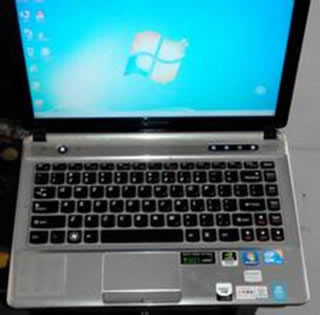
Solution:
The engineer of the data recovery center manually analyzes and calculates the partition table parameters. The customer’s hard disk originally had three main partitions (one BOOT guide partition, a recover restoration partition, an operating system area), an extension partition, and three logical partitions (the three of the customer’s three three are the customers of the customer.Personal data partition), fill in the fixed partition table to the related sector with Winhex.Data recovered.

