6 Reasons BIOS will not detect or recognize your drive
There are 6 main reasons why a system BIOS will not detect the presence of an internal hard drive. Here is a list of them. They are not in any particular order, but you can follow these steps one by one to troubleshoot this problem:
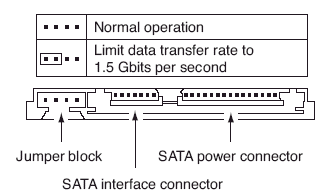
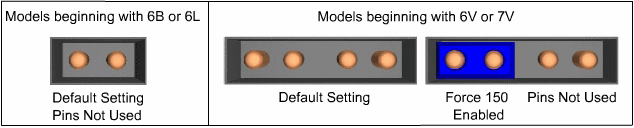
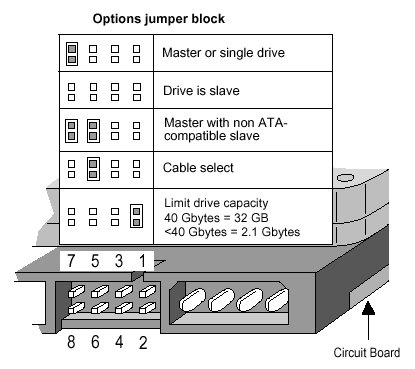
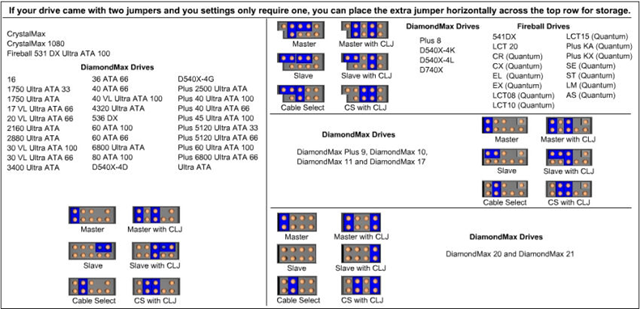
- Incorrect jumper settings on the drive
- Drive is not spinning up
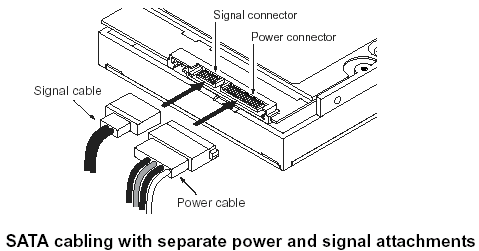
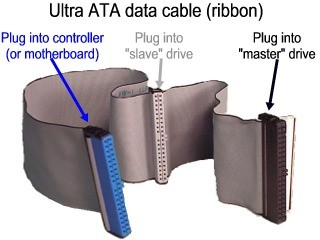
- Faulty or Unplugged Data Cable
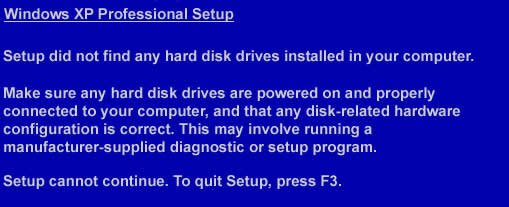
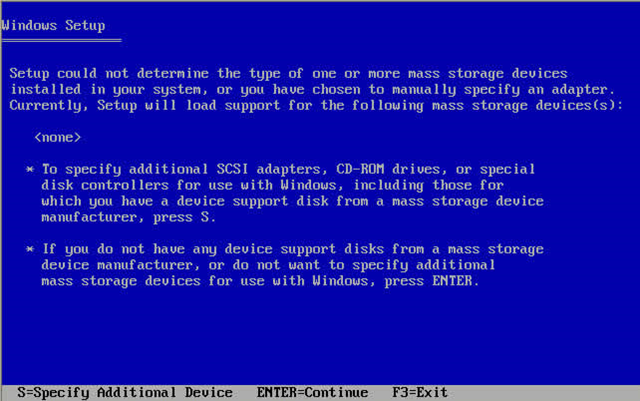
- The Serial ATA motherboard drivers are not properly loaded
- Hard disk drive not enabled in the BIOS
After verifying that your ATA or SATA port is set to Auto-Detect or is enabled, if you find that your disk drive is not being detected (auto-detected) by the system BIOS, try the above steps to try and isolate/troubleshoot the problem.
If you have completed the above checks and procedures and the drive is still not properly detected, please attempt to use Seatools for DOS (see the tutorial here) to test the drive. If SeaTools does not detect the drive after the steps followed above, or an error code that signifies drive failure displays, you can begin a warranty replacement order.
6 Reasons BIOS will not detect or recognize your drive Read More »
 Reason 3: Drive is not spinning up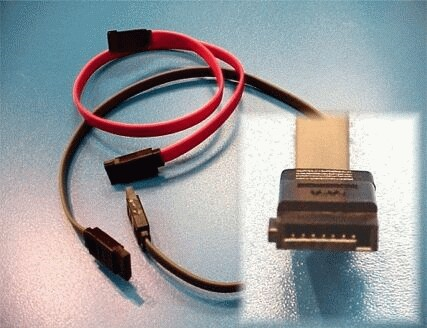
 Just like the old boot floppy diskettes, CD or DVD-ROM discs can boot to a DOS or other operating systems. Just copying files to the CD will not work because the CD will need a master boot record and other hidden Startup operating system files. Instead, the preferred method is to create a single file, an image of a bootable CD, called an ISO image. Most CD-ROM burning applications recognize this type of image file. Once the ISO file is burned as an image, then the new CD is a clone of the original and bootable. Besides the bootable OS, the CD will also hold the various software applications that will be run from the CD.
 If you just want to start your data recovery business, hope this article will bring some inspiration to you. Here I recommend 5 useful tools to you. These tools can give big help to your recovery business:
 As we know, firmware damage is the main reason which causes the hard disk data lose. When we encounter this problem, we should rebuild the firmware first. By this time, we need some professional tools, such as PC3000. (About the